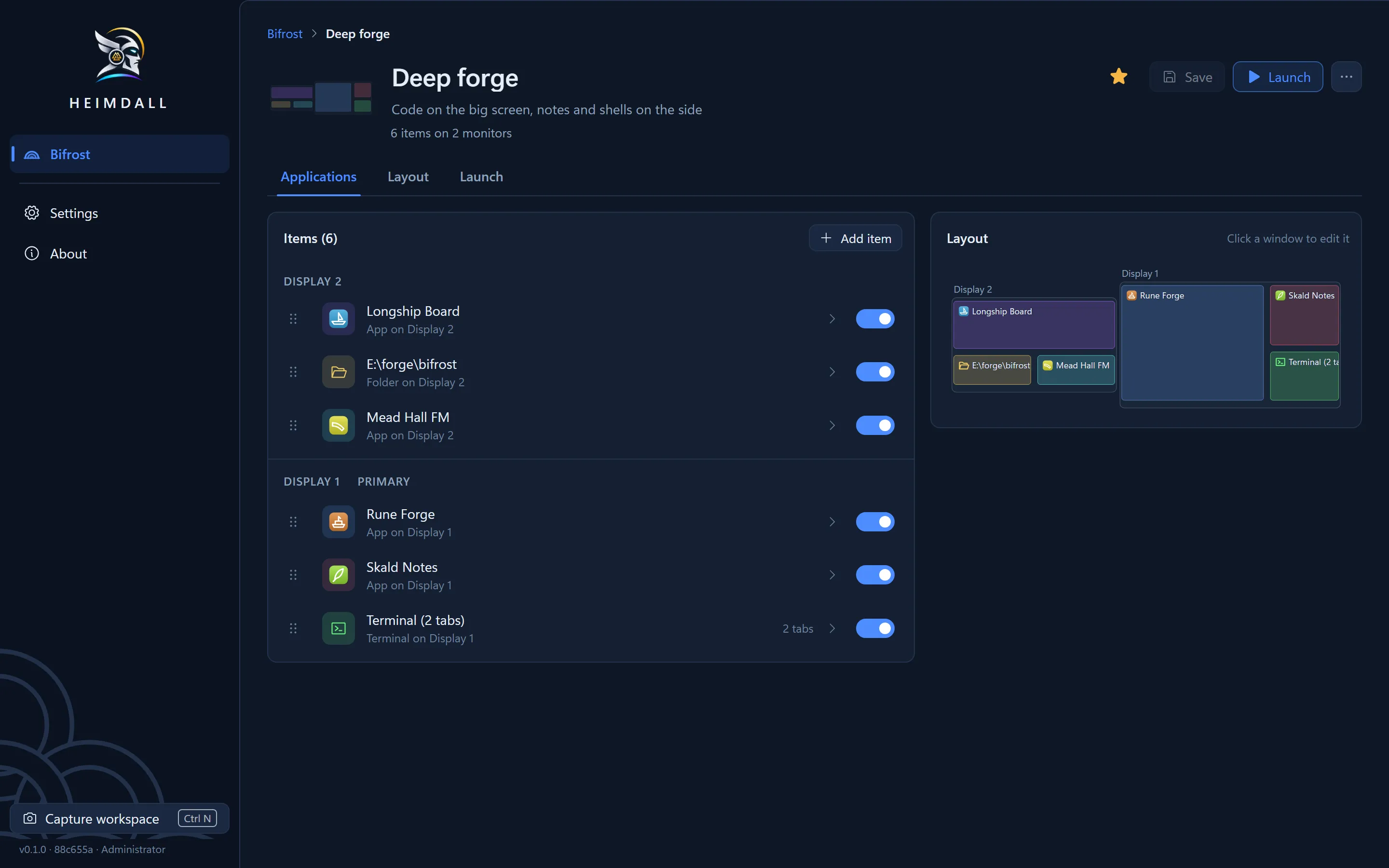
Every window back where you left it.
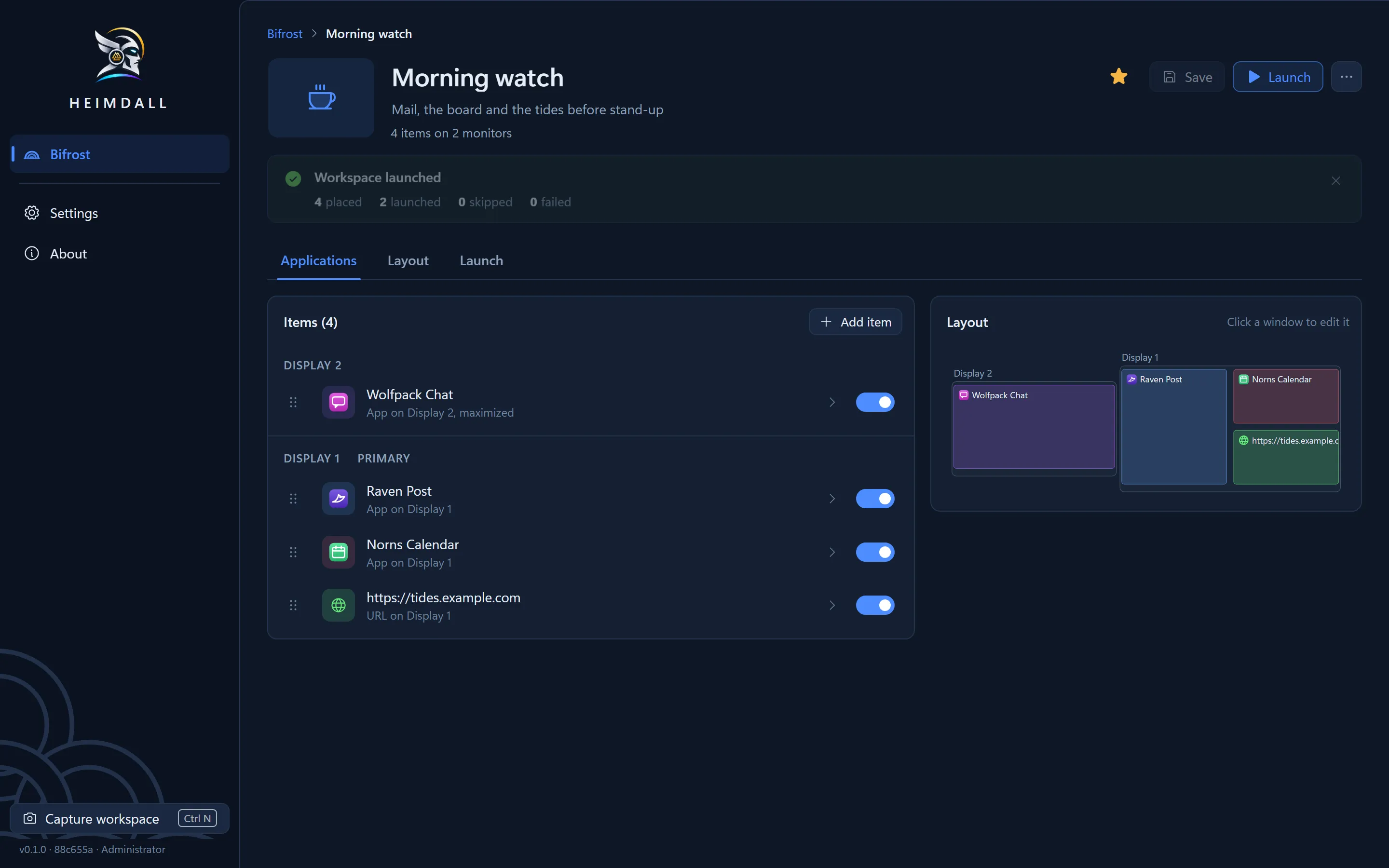
Heimdall saves your window layouts and restores them from the Windows tray.
Download for Windows
Windows 10 and 11, 64-bit. A 2 MB installer.
What does it need?
| Windows | Windows 10 or 11, 64-bit. |
|---|---|
| The tray | Heimdall lives there. Closing its window keeps it running, or quits if you prefer. |
| Admin rights | It asks at start so it can move admin windows. Say no and it still runs. |
| Your workspaces | One file in %APPDATA%\Heimdall. No account, no network. |
| Startup | Starts with Windows only if you switch it on. |
What does it save?
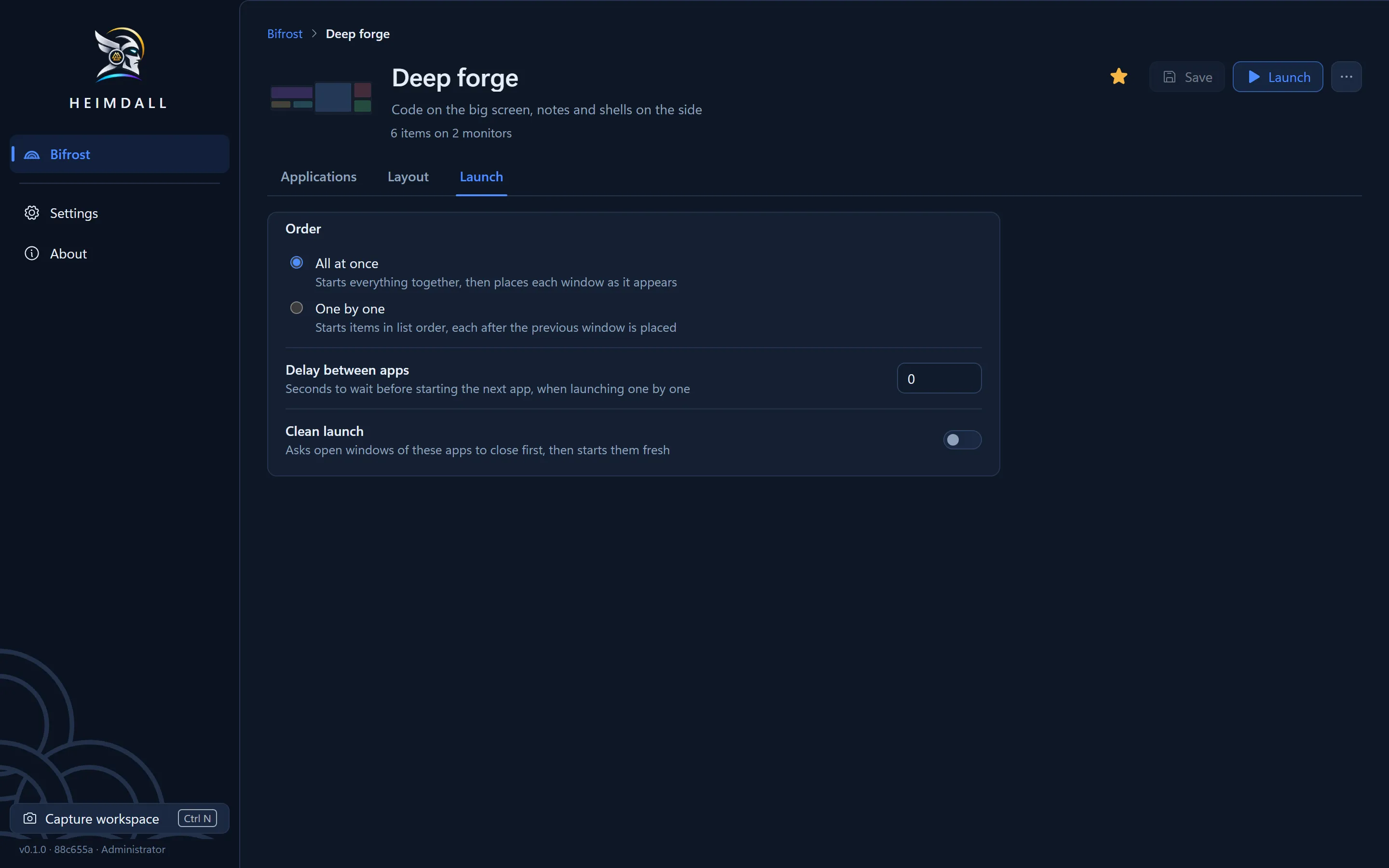
Ctrl+N lists every open window by display. Terminal tabs keep their shell and folder, WSL included.
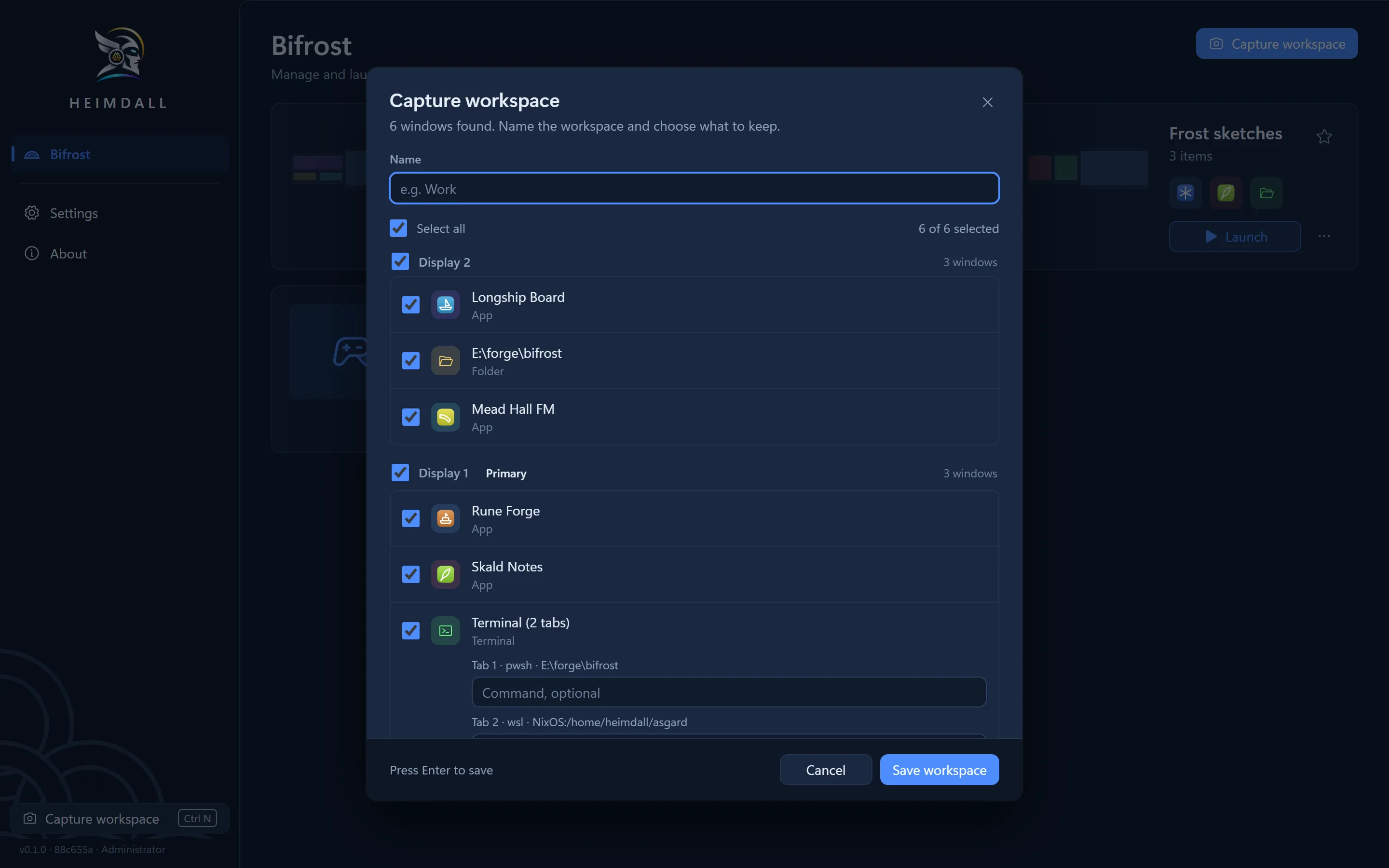
Your monitors drawn to scale. Drag a window, resize it, or set it to open maximized.
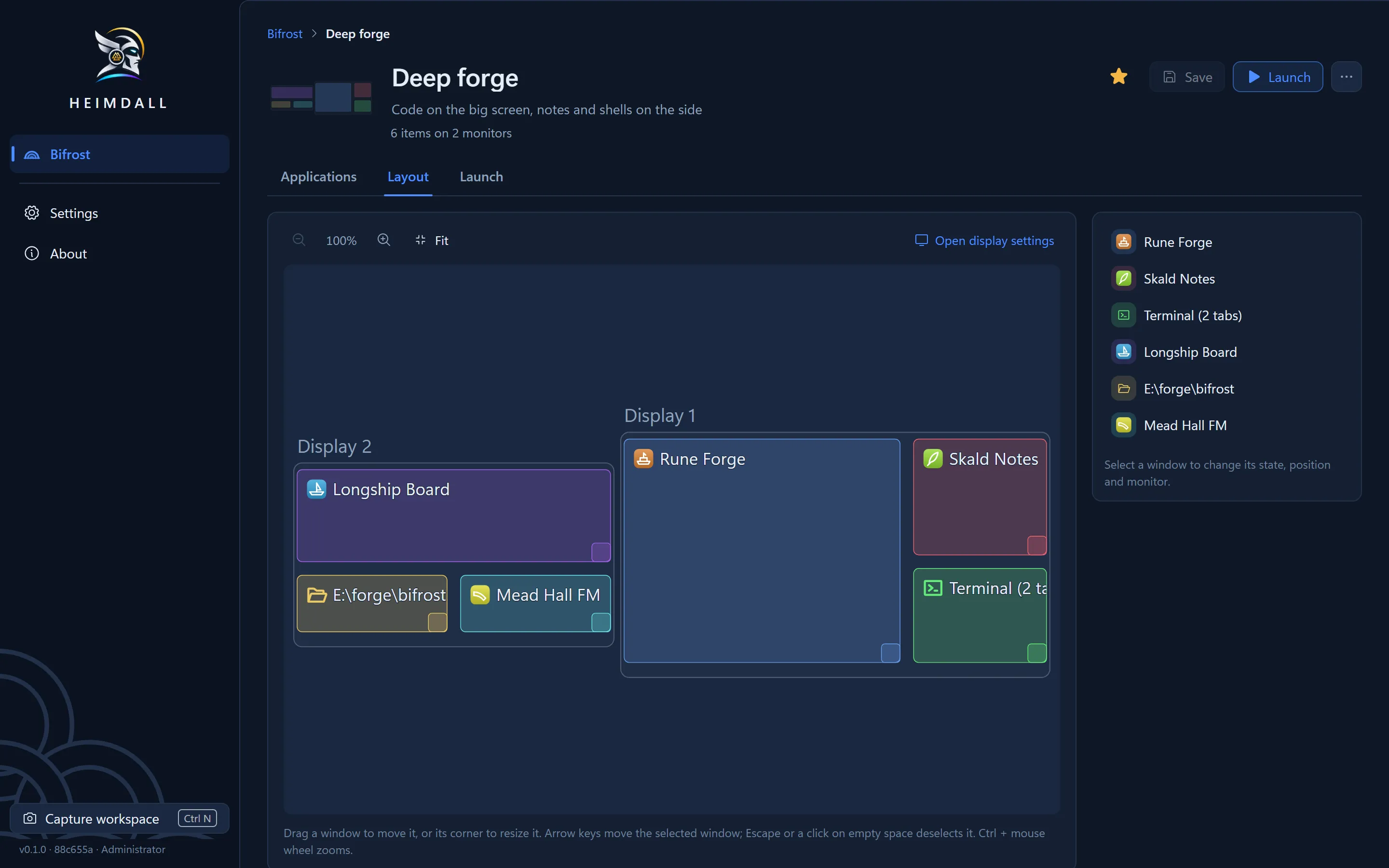
All at once, or one by one with up to 30 seconds between apps.
What happens when I launch one?
It reuses open windows and starts only what is missing.
- Between checks for each window
- 250 ms
- Before it gives up on one
- 15 s
What won’t it do?
Change my display settings?
No. It records resolution and arrangement, and leaves them alone.
Virtual desktops or hotkeys?
Neither. Restore from the tray menu or the editor.
Bring back console history?
No. A console reopens in its folder with its command, without the scrollback.
Sync between PCs?
No. Workspaces stay on the PC that saved them.
Close my windows?
Only with Clean launch on for that workspace, and never your browser or terminals.